Guides
Flots onboarding, step-by-step tutorials and demo videos.
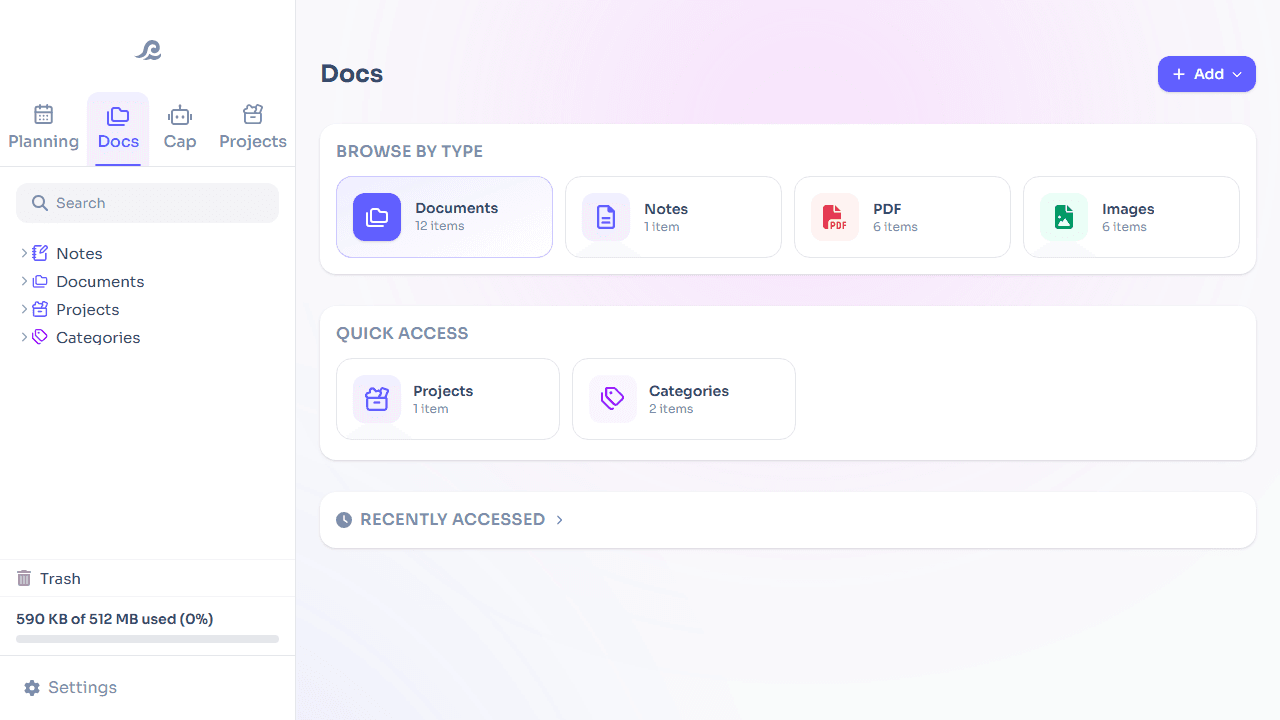
Managing your documents in Flots: the guide to get started
Import, organize and find your files in Flots: folders, favorites, PDF preview and links to your notes and projects. The guide to get started.
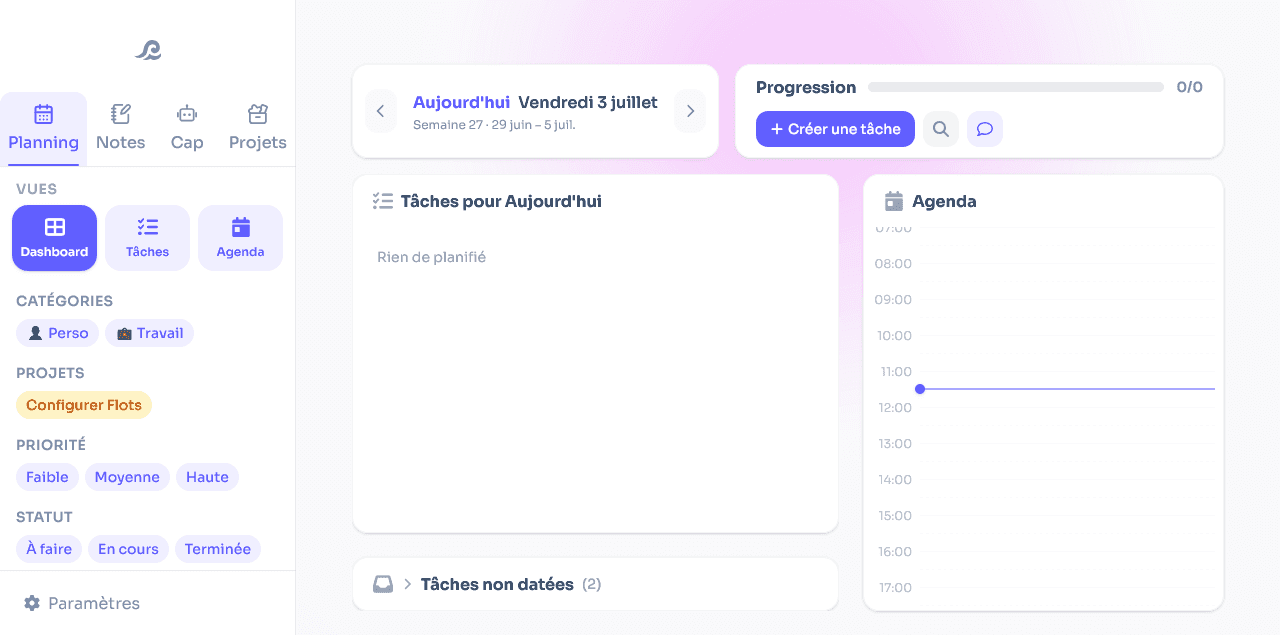
Managing your tasks in Flots: the guide to get started
Create a task in 2 clicks, then add categories, subtasks, recurrence and reminders as needed. The guide to managing tasks with Flots.
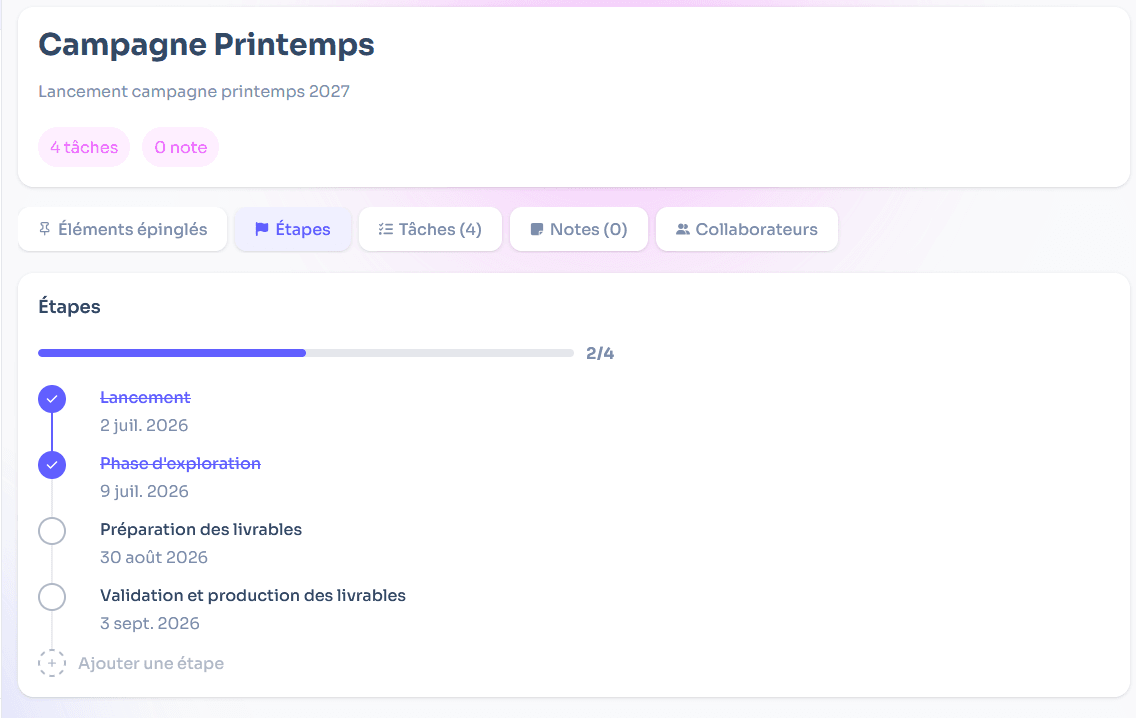
Managing your projects in Flots: the guide to get started
A dedicated space per subject, pinned items, milestones to track progress and collaboration with others. The guide to projects in Flots.
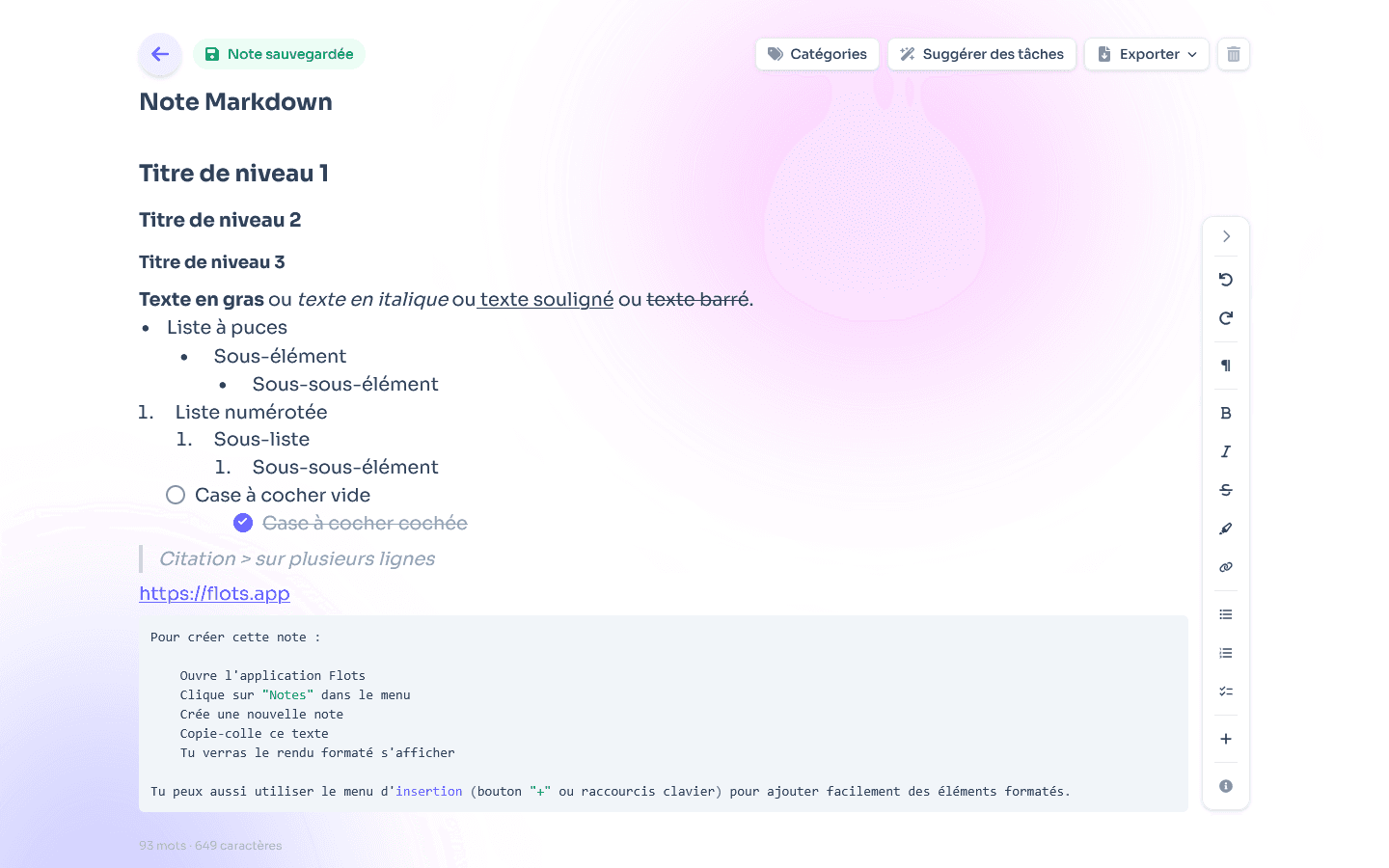
Taking notes in Flots: the guide to get started
Capture an idea in 2 clicks, format it in Markdown, sort it by category and extract your tasks from it. The guide to notes in Flots.

Cap, the Flots assistant: the guide to get started
Cap is your pocket secretary: it helps you plan your days, keeps the essentials in view and adopts the tone that suits you. The guide to the Flots assistant.
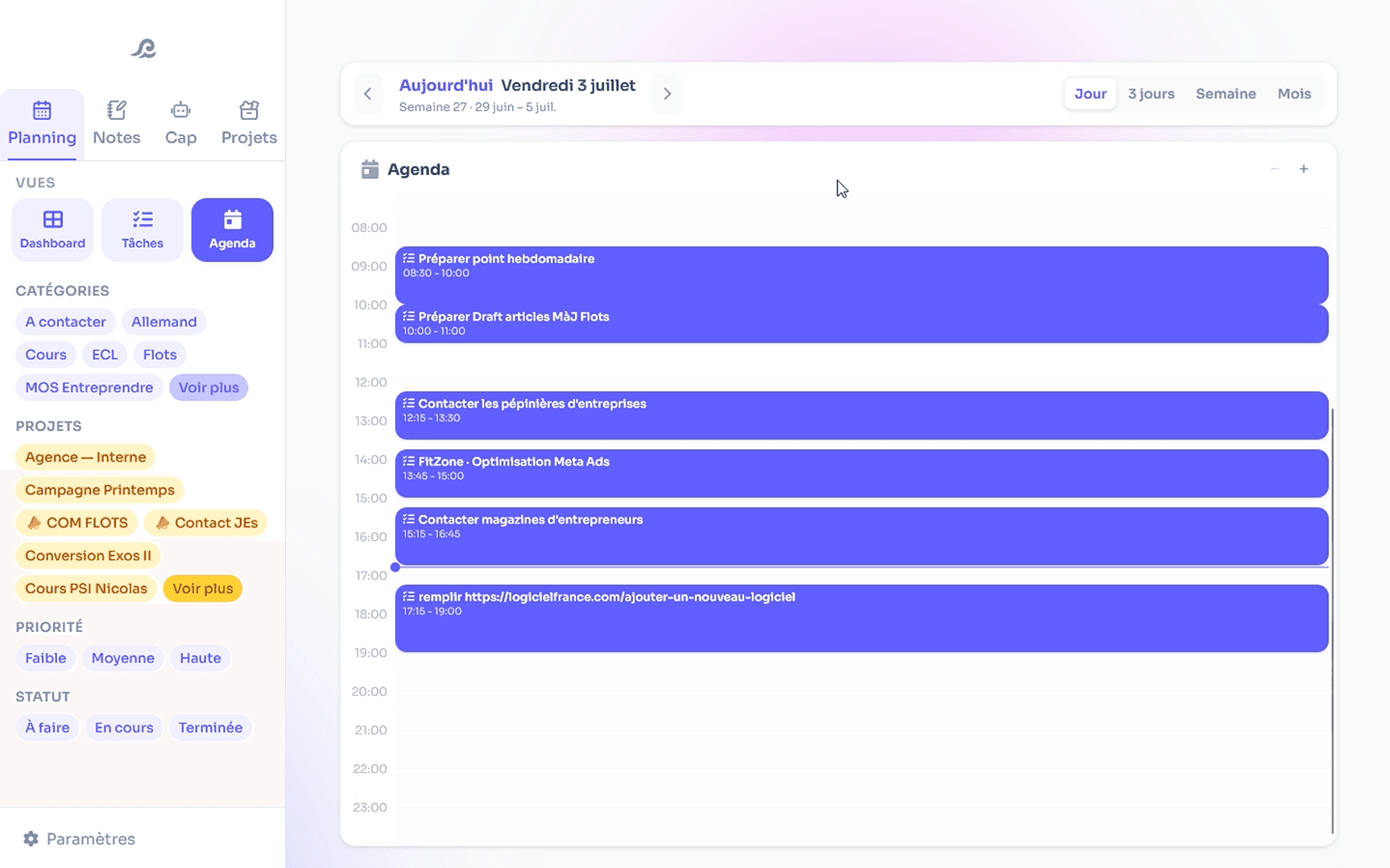
Organizing your calendar in Flots: the guide to get started
A calendar connected to Google Calendar, your working hours, and a planned day in 5 minutes by dragging your tasks. The guide to the Flots calendar.
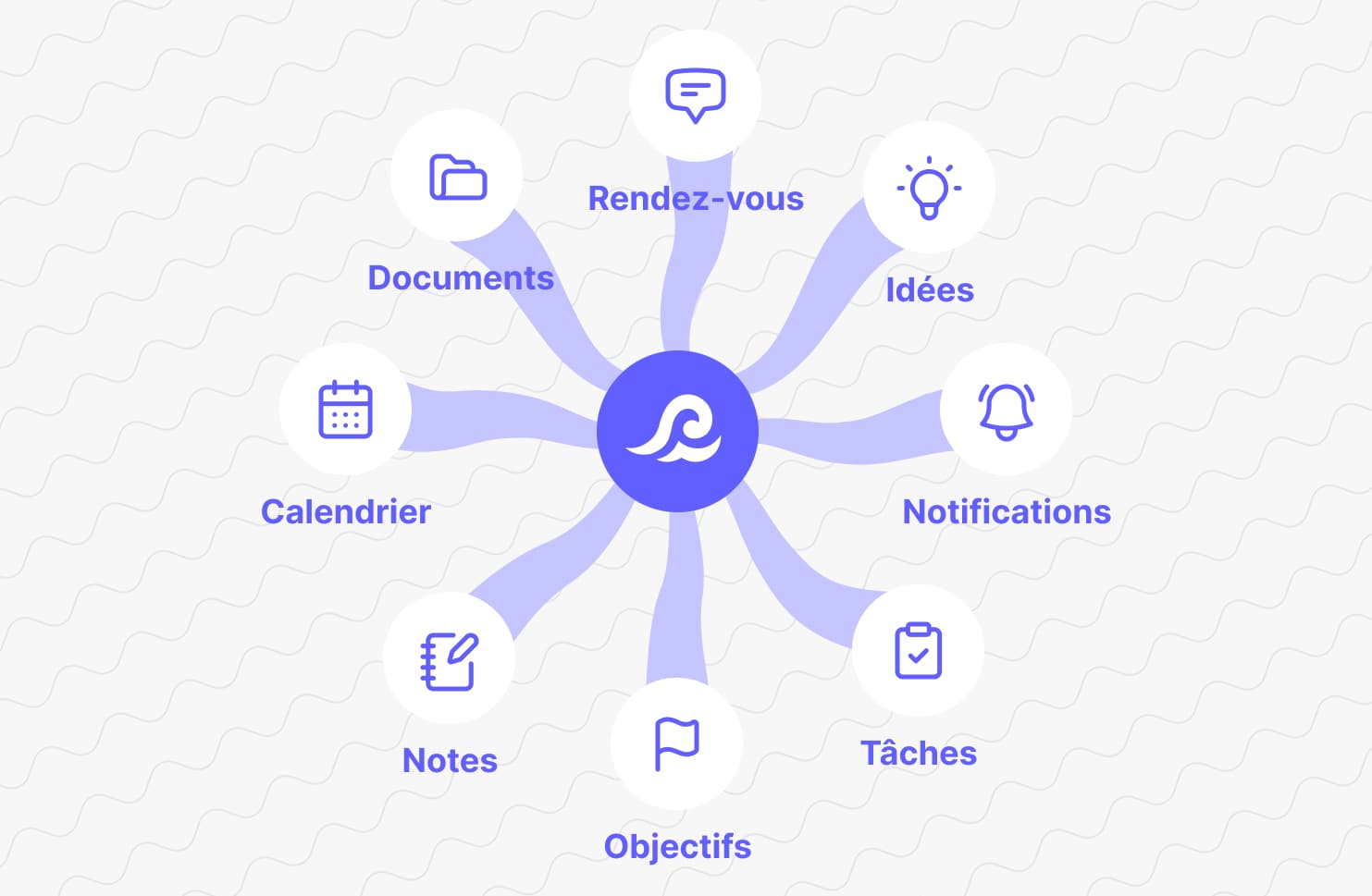
Getting started with Flots: overview and first steps
Flots brings tasks, calendar, notes and projects together in one place, with an assistant by your side. An overview, a tour of the tools, and first steps to get started.